Get Started
Overview
Distributor supports safe, SEO-friendly content reuse and sharing via "pushing" and "pulling".
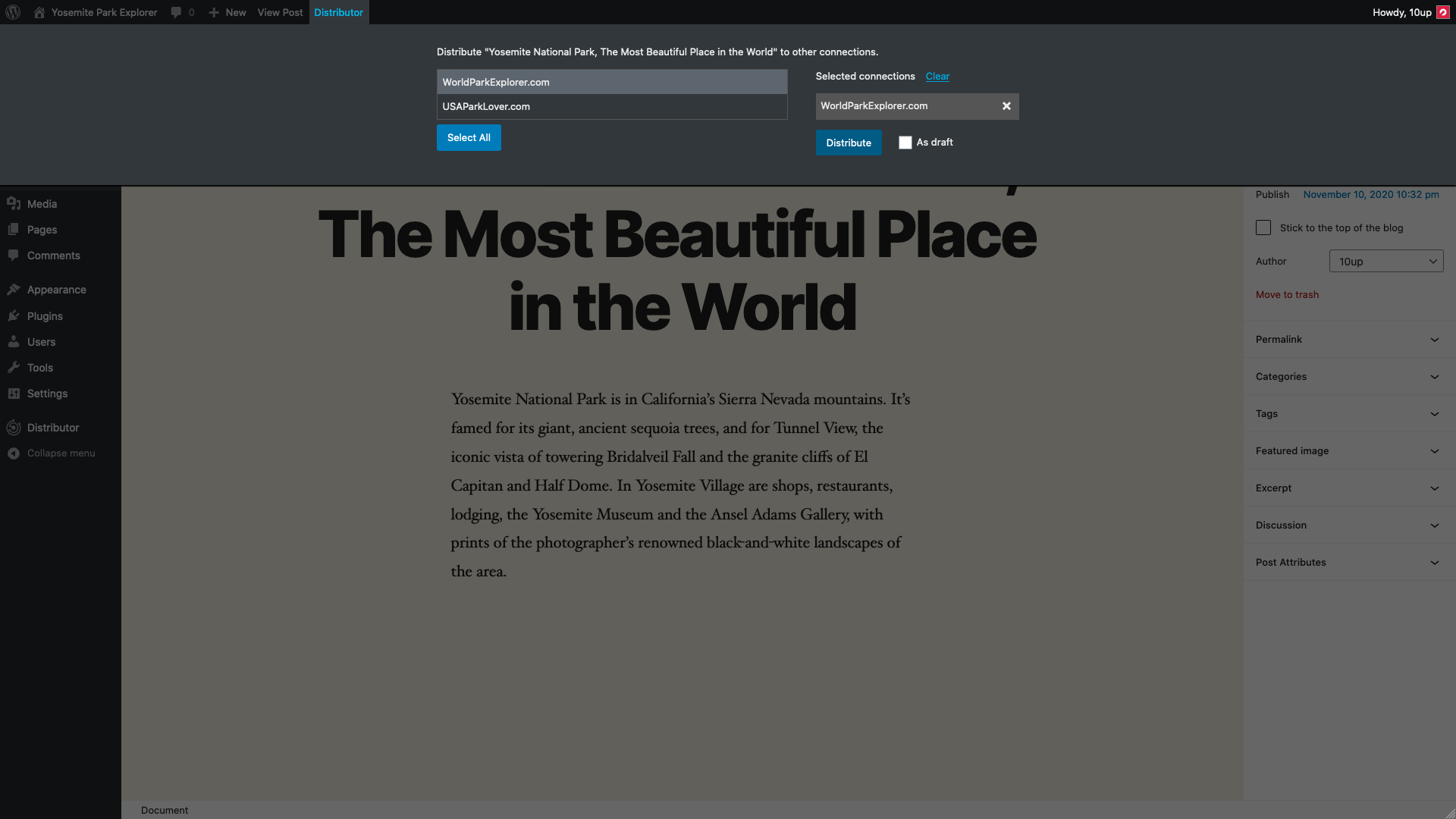
While logged in and editing or viewing any single post (or custom post type) that can be distributed, a Distributor admin bar item will appear, that will facilitate sharing ("pushing") that content to any connection.
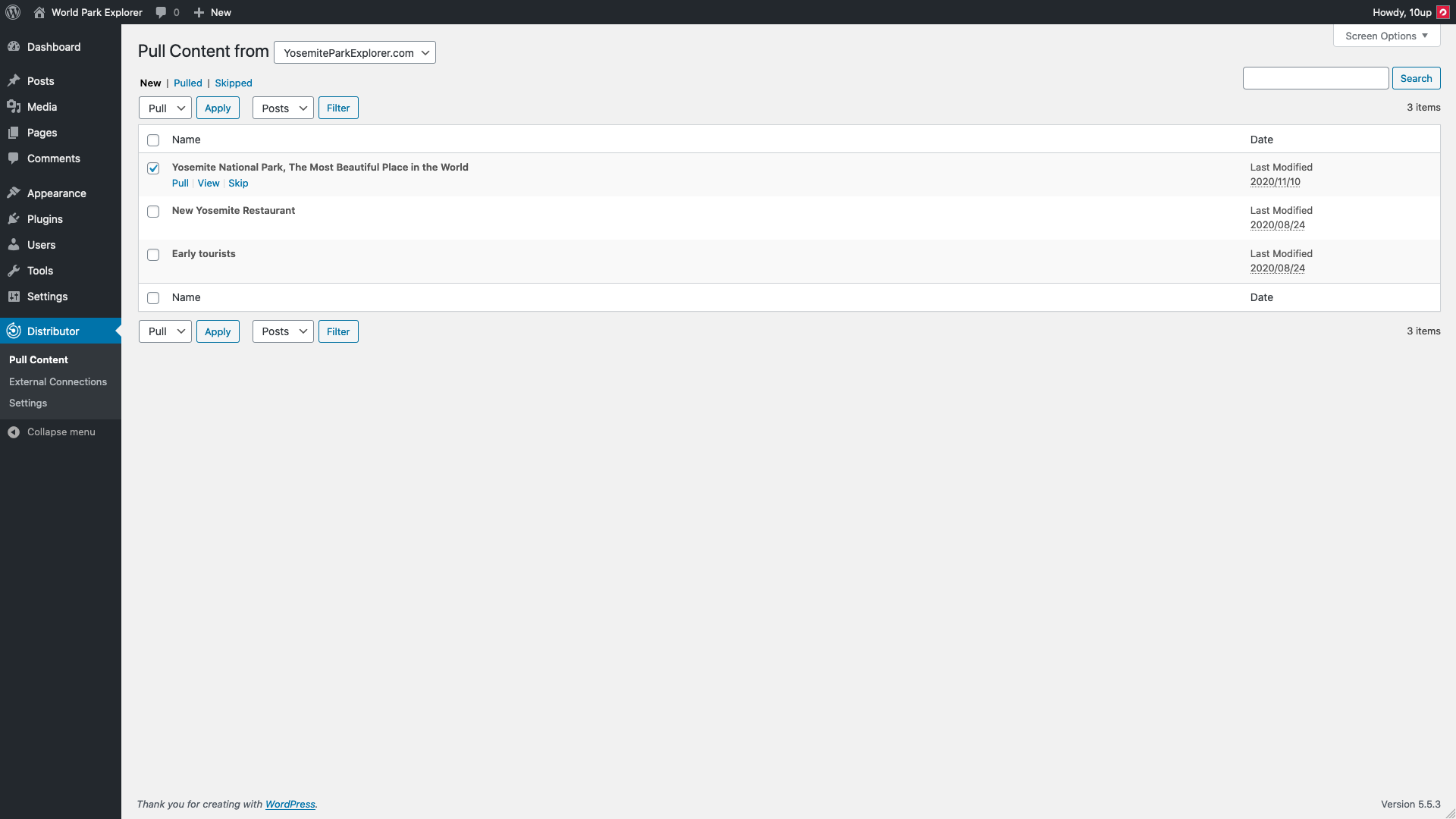
In the admin dashboard, a top level Distributor menu item links to the "pull" screen. Here, editors can share ("pull") content from any connection into the current site.
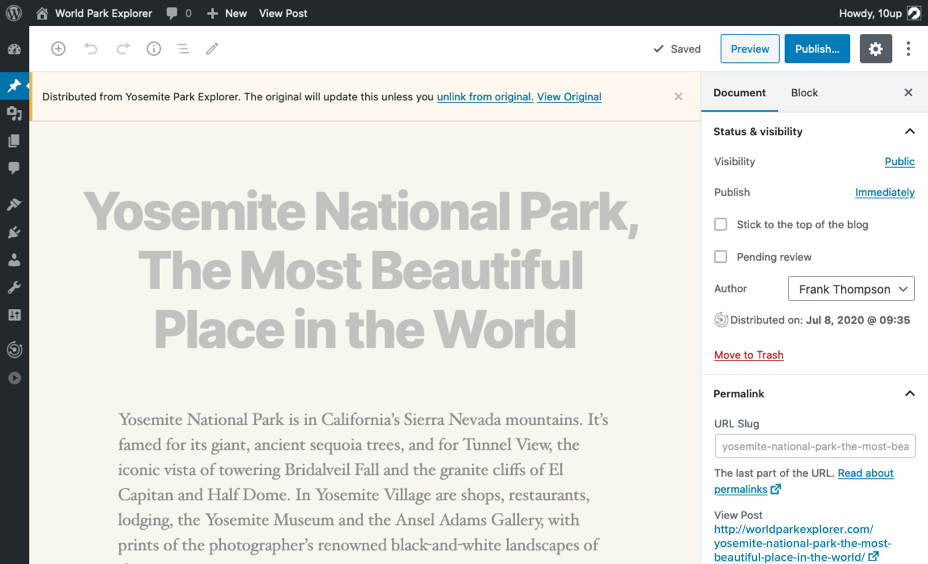
Content this is distributed (via Push or Pull) is connected to the original. Reposted content receives updates from the original, canonical source automatically.
There are two connection types: internal and external.
- Internal connections are other sites inside of the same multisite network. Any user logged into the network can distribute any content in the network to any other sites in the network where that user has permission to publish posts (assuming the site supports the same post type).
- External connections are external websites, connected by the JSON REST API using the Authorization Setup Wizard for External Connections leveraging Application Passwords. External connections can be added in the WordPress admin dashboard under
Distributor>External Connections. Administrators can decide which user roles are allowed to distribute content to and from that connection (Editors and Administrators by default). All users with those roles will inherit the permissions of the user account used to establish the remote connection.
Requirements
- PHP 7.4+
- WordPress 6.5+
- External connections require HTTP Basic Authentication or WordPress.com OAuth2 (must be on WordPress VIP) be set up on the remote website. For Basic Auth, we recommend using Application Passwords built in to WordPress.
- For external connections, Distributor needs to be installed on BOTH sides of the connection.
- Version 2.0.0 of Distributor requires version 2.0.0 on BOTH sides of all connections. For other version 2.0.0 specific changes, please see our migration guide.